BlueCam - Remote Control for iOS cameras over Bluetooth and Game Center
Follow @mothertuckerllc


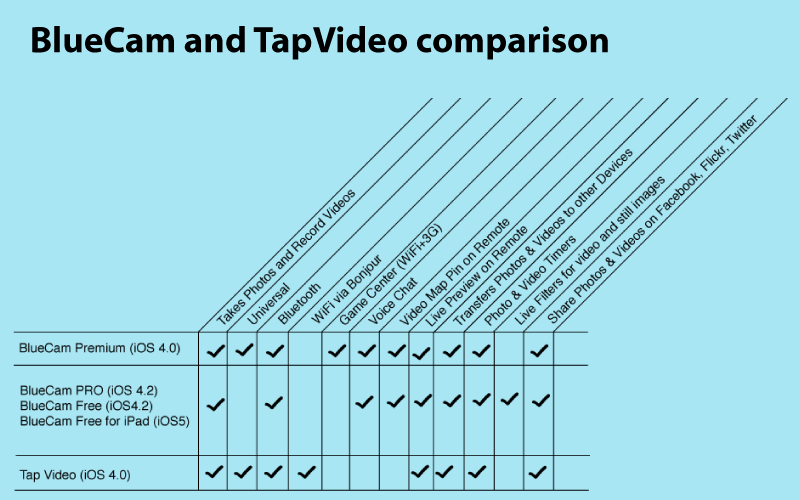
What's the difference between BlueCam PRO and BlueCam Premium?
- BlueCam Premium is a Universal app with GameCenter & Bluetooth.
- BlueCam PRO is an iPhone / iPod Touch app with Bluetooth, Live Filters, Aviary photo editor
Camera Features (All Devices):
- Tap preview to Take a Photo
- Double Tap preview to Start/Stop Recording
- Set Focus - Press&Hold 1 finger at desired point on the preview
- Set Exposure - Press&Hold 2 fingers at desired point on the preview
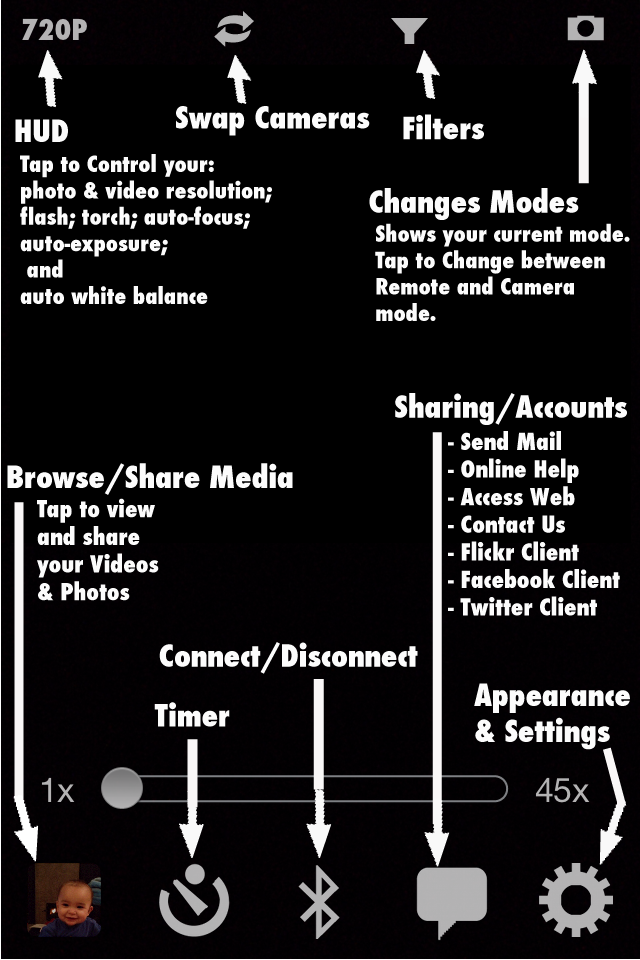
- Resolution/Flash/Torch/Focus/Exposure/AWB Controls
- 9X Digital Zoom
- EXIF in unfiltered photos
- Burst Mode - Take 2, 3 or 4 burst shots with a tap
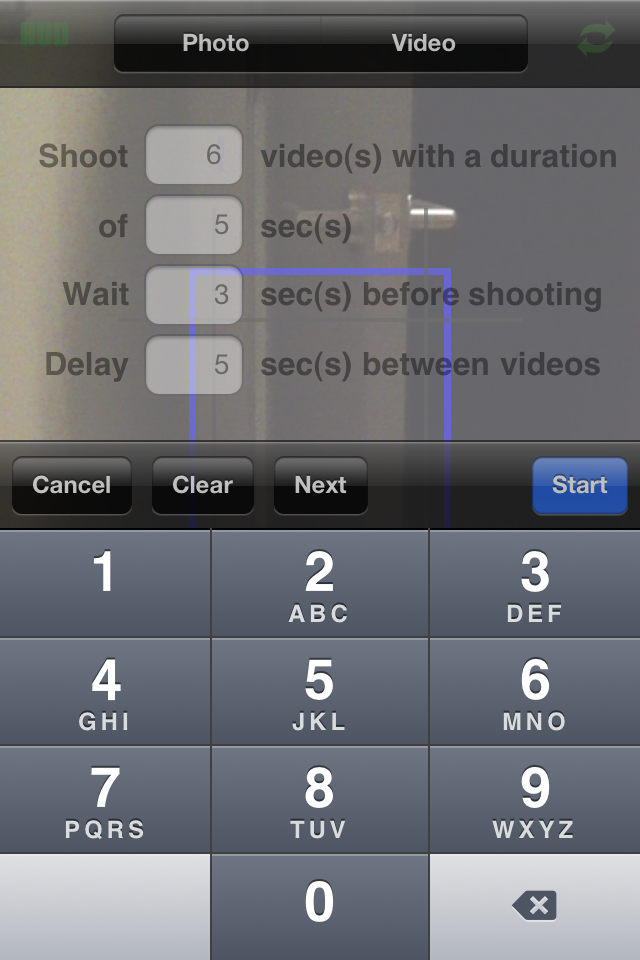
- Photo Timers
- Video Timers
- About to Shoot Audio Alerts option for both Photo/Video Timers
- Burst Photo Timers - Take unlimited burst shots by creating a Timer with a "Delay" of 0 seconds
- Anti-Shake - Use your Accelerometer to take photos only when there is no shaking detected
- Auto Upload Videos&Photos to Flickr, Facebook or Twitter in the background
- Auto Save in the background
- Background Uploading for Videos&Photos
- Geotag Flickr Videos&Photos
- Reticles [Scope, Rectangle, Rule Of Thirds] with color choice of [Black, White, Red and Green]
- Button Colors [Black, White, Red and Green]
- Black & White
- JPEG Quality Control - Allows compression of photos for faster uploading
- Twitter Client
- Facebook Client
- In-App Mail
Additional Camera Features in BlueCam PRO (Available on iPhone 4 or later model iPhones with iOS5):
- 9X to 153X zoom while recording videos and taking pictures
- Pinch zoom on camera preview
- Live preview on remote while recording videos
- iOS5 accelerated zoomed image capture (unfiltered photos only)
- EXIF in all still images
- Filters for recording videos and taking pictures (Saturation, Contrast, Brightness, Black&White, Sepia, Vignette, Cartoon and more)
Remote-to-Camera Features:
- Voice Chat
- View a Camera's Live Camera Preview
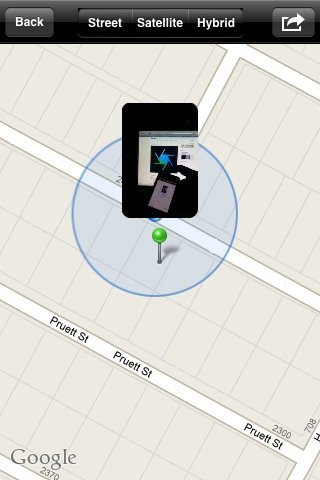
- View a Map with a Video Pin of the Camera user's location
- Tap the "Remote" preview and the "Camera" will snap a shot and send you the photo
- Double Tap the "Remote" preview and the "Camera" will Start/Stop recording [requires 3GS or later iPhone and "Voice Chat" to be turned off]
- Adjust a Cameras's zoom level
- Create Timers on a Camera
Remote-to-Remote Features:
- Voice Chat
- View a Map of other users location
- Tap the "Remote" preview to transfer videos&photos
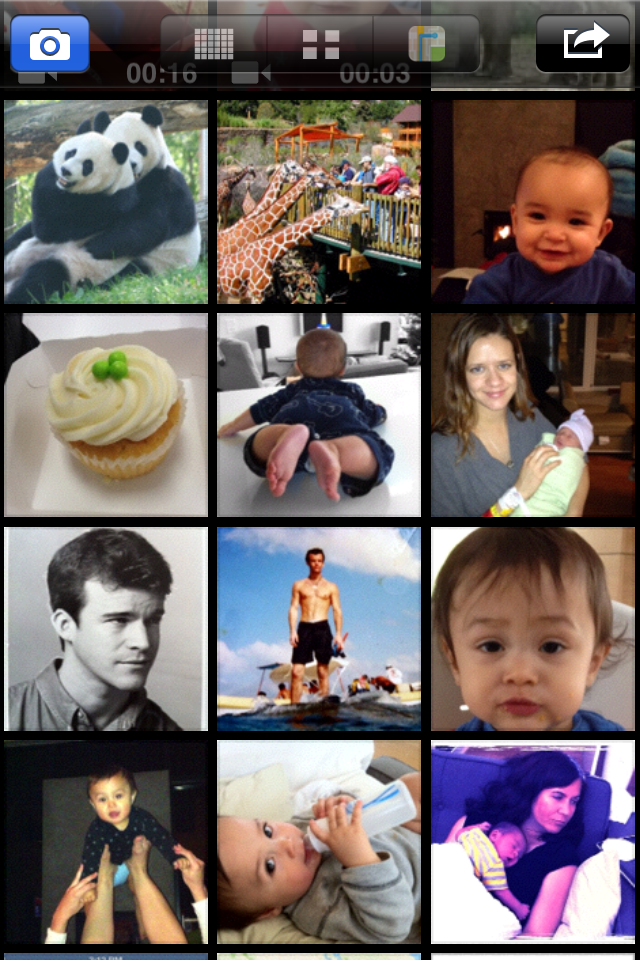
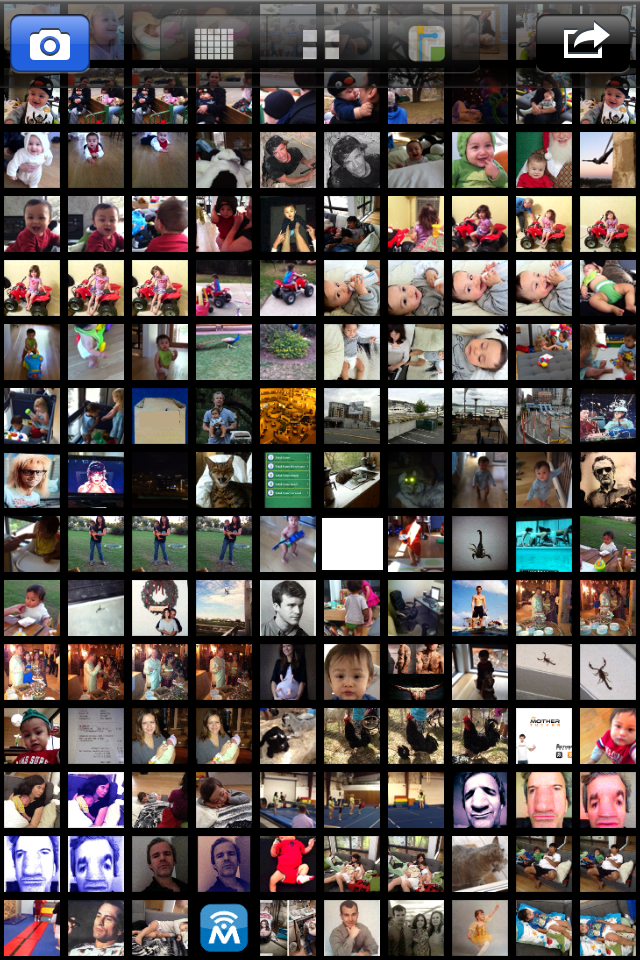
Camera Roll:
- Multiple Selection Support
- Trim Videos
- Playback Videos
- Crop and apply Filters (Black & White, Brightness) to Photos
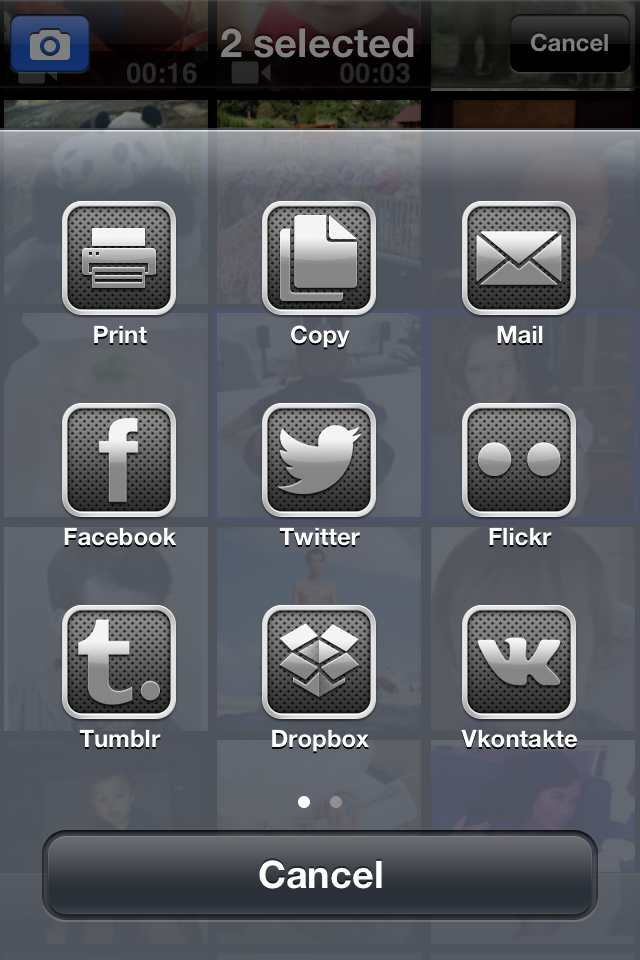
- Upload, Mail, Delete multiple Videos&Photos at once
- Save multiple Videos&Photos to your device's camera roll at once
- Reorder Videos&Photos
- Edit upload locations with a Google map
- Add Existing Videos&Photos from your device's camera roll
- Swipe through full screen view of Videos&Photos
NOTES:
- Video&photo transfer is not supported on the Game Center network
CREDITS:
- Twitter implemented using MGTwitterEngine by Matt Gemmell
- LED font by Allen R. Walden


For feature requests or bug reports, please send an email to
feedback@mothertuckerllc.com. Thank you for using BlueCam PRO!